Choose your GTA 6 Night Drive AI driver
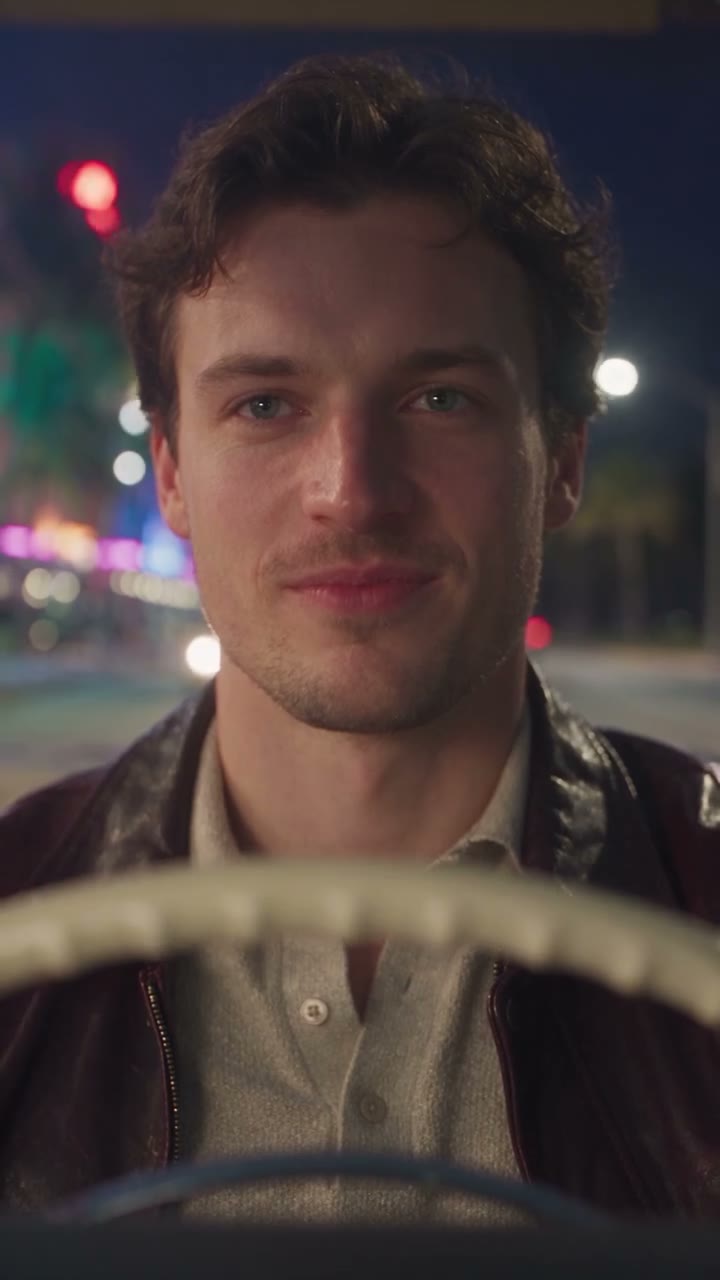
Begin GTA 6 Night Drive AI by deciding who should occupy the driver’s seat. A single-person photograph with soft, even light makes the intended subject easier to recognize. Leave the face unobstructed where possible and include hair and some clothing. A distant figure in a busy group gives the model fewer useful details for the close shots inside the car.
The image does not need to show a real vehicle. The seat, wheel and passengers come from the prepared scene. For GTA 6 Night Drive AI, a head-and-shoulders or upper-body photo can provide useful context while keeping the face large enough to see. The model must infer movement and unseen angles, so a good input is guidance rather than a guarantee of perfect continuity.
Follow the GTA 6 Night Drive AI camera
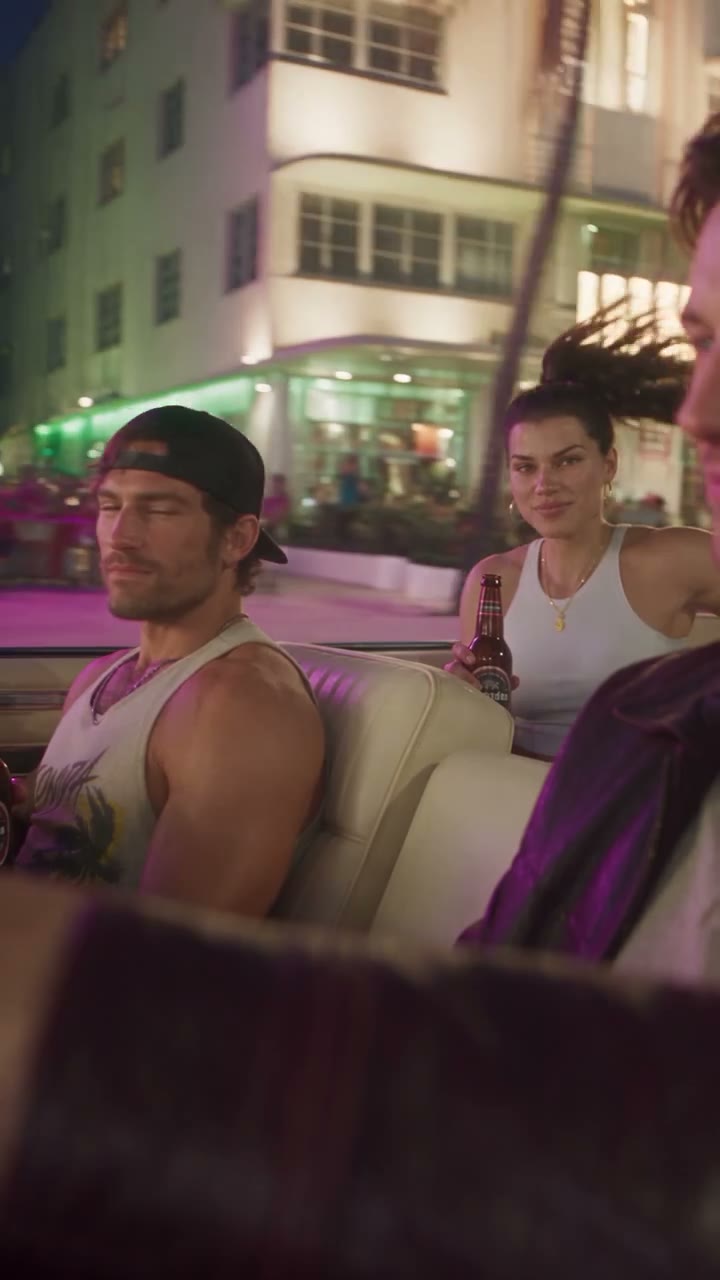
The GTA 6 Night Drive AI reference establishes several points of view during one trip. You see the riders together, closer views around the driver and wheel, and the moving car against the night street. Those changes give the scene its rhythm without asking you to assemble separate shots. Preview the whole sequence to decide whether its pace fits the video you want to make.
The two passengers are supporting characters in GTA 6 Night Drive AI. They are guided by the source and cannot be individually assigned to photos on this page. Bright signs, reflections and passing buildings also belong to the scene. A generated result may reinterpret their details, especially while the camera or vehicle moves.
Plan around the full GTA 6 Night Drive AI scene
This GTA 6 Night Drive AI page offers one complete Original reference, lasting approximately 14.4 seconds. It does not offer a shorter excerpt with different story beats. The workspace displays the generation duration and current credit estimate before submission. Watching the preview and changing a photo do not start a generation; the action begins when you submit from your account.
Because the exterior shot follows the interior views, leave room for that change if you plan to use the clip in a longer edit. A video editor can arrange your finished media afterward, but this page does not provide a timeline for reordering the prepared shots. Check the actual beginning and end of GTA 6 Night Drive AI before placing it alongside other footage.
Review your GTA 6 Night Drive AI result
After GTA 6 Night Drive AI finishes, watch the whole file once at normal speed. Then revisit the moments where the driver turns or the view changes. Compare facial features, hair and clothing with the uploaded image, and look at the hands where they meet the steering wheel. Dark lighting and overlapping shapes can make these details harder to preserve.
Check the car seats, the passengers and the outside shot as well. The reference guides these elements but does not lock every reflection or object in place. If the result is hard to read, a clearer portrait or another attempt may change the outcome. A new GTA 6 Night Drive AI generation is a separate task, so review its displayed cost before submitting again.
Check GTA 6 Night Drive AI sound and explore more
GTA 6 Night Drive AI starts with a reference that contains audio. The workflow attempts to restore that sound after the visual generation, so listen to the actual result rather than assuming its timing or volume. Check that you have permission for the portrait and any soundtrack you intend to share.
A nighttime cruise has a different role from the site’s sunset highway farewell or airport departure. Use the story picker or related links to compare their previews before choosing. Each page has its own prepared action and available settings; GTA 6 Night Drive AI is the option centered on a convertible ride with two passengers after dark.