
YOUR CAR WASH SCENE · FAN-INSPIRED VIDEO
GTA 6 Car Wash AI Video
Make a GTA 6 Car Wash AI video with a person photo and an optional car photo in a game-style washing scene.
THE SCENE
What is GTA 6 Car Wash AI?
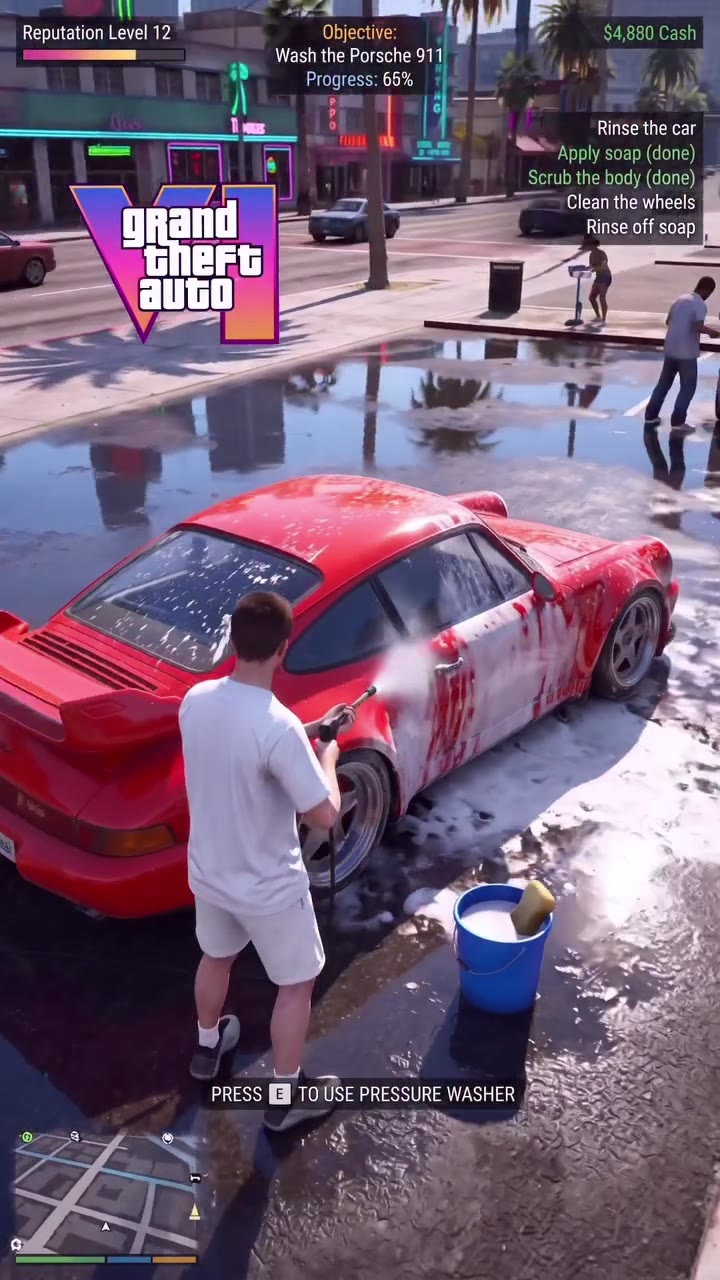
GTA 6 Car Wash AI makes a short game-style washing scene from your photos. Add a picture of the person washing the car, and optionally add a second picture to guide the car itself. The prepared reference supplies the washing motions, foamy street, camera angle and game-like interface.
The GTA 6 Car Wash AI preview is the source video, not a generated example of your photo. This independent fan-inspired tool makes a video; it does not unlock an official game feature. Vehicle shape, hands, water and on-screen text can vary in the finished result.
HOW TO CREATE
How to make a GTA 6 Car Wash AI video
- Upload one clear photo for the person washing the vehicle. Choose an image with a recognizable subject and enough visible clothing to guide the wider scene.
- Optionally add a car photo in the second slot. Leave that slot empty to keep the reference car as the intended vehicle; add a clear vehicle image when you want the model to follow a different car.
- Preview the complete roughly 8-second GTA 6 Car Wash AI reference. Sign in, check the displayed 799-credit cost and generate the 480p video.
- Open My creations and inspect the person, car body and wheels during the wash. Check for reference audio before downloading or sharing.
Choose a person and car for GTA 6 Car Wash AI
GTA 6 Car Wash AI has two different image roles. The first, required photo guides the person doing the wash. The second is optional and guides the car’s appearance, including its shape and color. These roles are ordered: putting a vehicle in the person slot does not tell the tool which character should perform the action.
If you leave the car slot empty, the fixed recipe asks the model to keep the reference vehicle. That is an instruction to the model rather than a guarantee of an unchanged car. If you add a vehicle photo, pick a clear view that shows the body and avoid pictures where the car is mostly obscured.
Follow one complete washing sequence
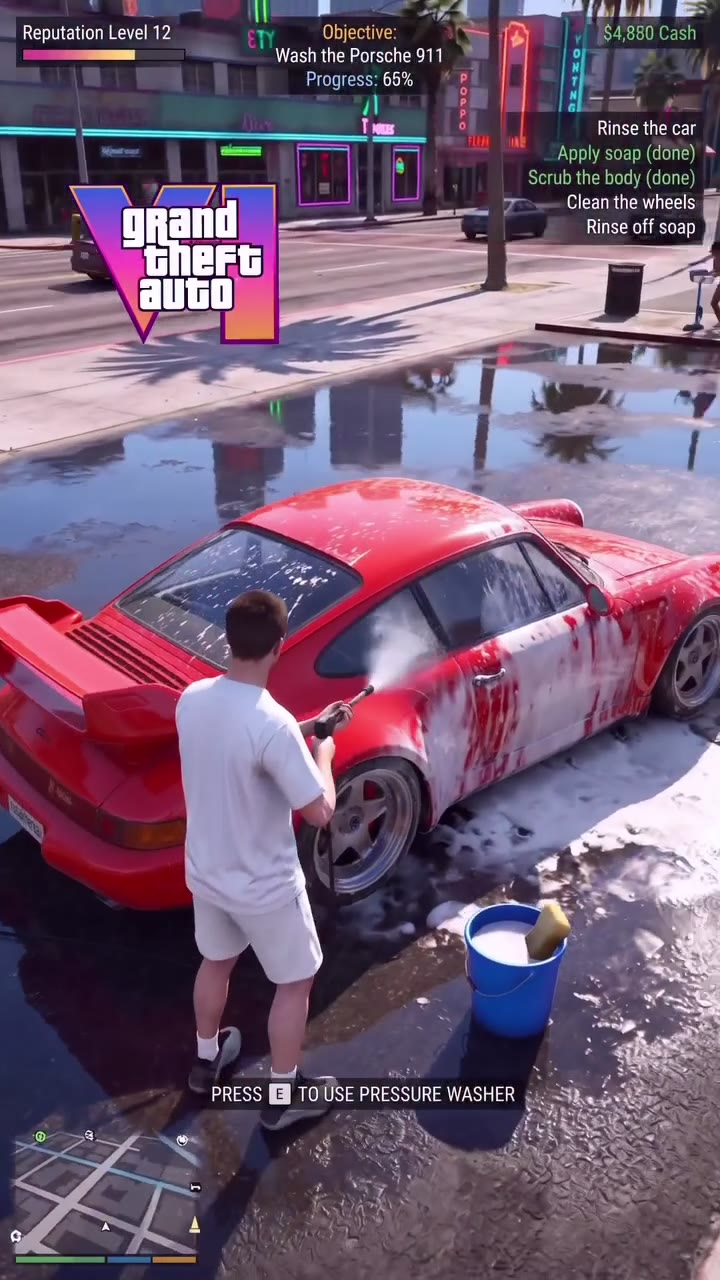
The GTA 6 Car Wash AI reference is approximately eight seconds long. It contains pressure washing, foam and attention to the car and wheels in a third-person game-like view. This page offers one complete version at 799 credits, so you can see the entire available reference without choosing between identical length options.
Seedance 2.5 Edit uses the selected photos and reference to generate the 480p clip. The fixed reference guides the camera, timing and interface overlays. Water, reflections, bodywork, text and motion can look different in a generated result, especially as the view moves around the vehicle.
Inspect the GTA 6 Car Wash AI result
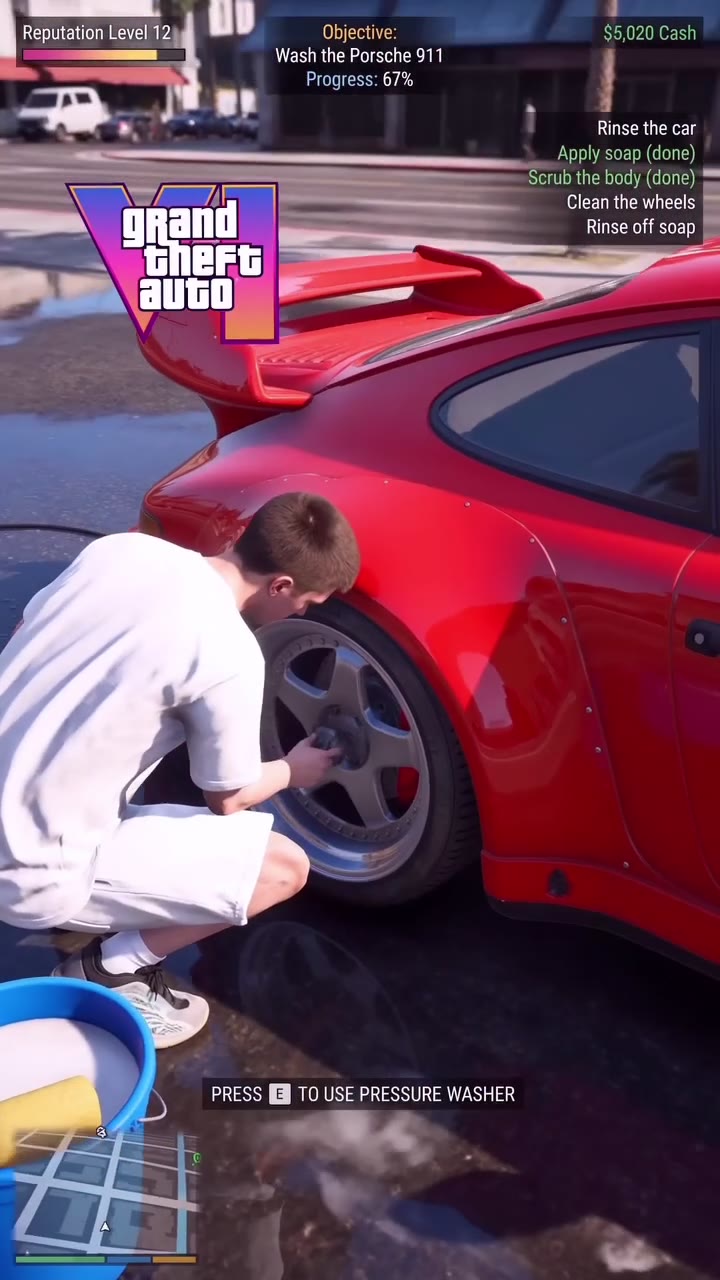
Review GTA 6 Car Wash AI at normal speed and pause at the moments that matter to you. Does the person remain identifiable? Does the car keep the most important features of your optional photo? Check the wheels, hose, hands and moving water rather than judging only the first frame.
The tool attempts to restore the source audio after generating a silent video. Listen for timing and volume before posting. Only upload photos you have permission to use, and confirm that you have the necessary rights to share the finished scene and its soundtrack in your chosen context.
Preparing the person image for GTA 6 Car Wash AI
The required GTA 6 Car Wash AI photo represents the person doing the wash. Choose a well-lit image with one subject who is easy to distinguish from the background. A face that is visible and an outfit that can be seen give the model more information to work with as it interprets the wider reference scene.
The source shows a person moving around a vehicle, while your upload is a still image. The model must infer poses and views that are not in the photo. Hands, clothing, hair or proportions can change as the camera moves. A clear photo helps define the target, but it cannot guarantee perfect identity or clothing continuity.
Preparing an optional vehicle photo for GTA 6 Car Wash AI
The second GTA 6 Car Wash AI slot is specifically for the car. A clear view of the body helps communicate its shape and color; a photo dominated by the interior or covered by another vehicle provides less useful visual context. Only the person image is required, so leave this slot empty if you prefer the reference vehicle.
When a vehicle image is present, the fixed recipe uses it to guide the car being washed. The generated video may still change the wheels, grille, paint, proportions or reflections. Compare the result with the photo at more than one point in the clip, because a convincing view from one angle does not ensure consistency from every angle.
Following the washing action for GTA 6 Car Wash AI
GTA 6 Car Wash AI uses a prepared third-person reference with washing motions, foam, a wet street and game-like overlays. It provides one approximately eight-second version. This is the complete available source for this scene, so there is no need to choose between several identical short previews.
The reference influences the timing and action; it does not give you independent controls for changing the hose, weather, camera or game interface. AI may reinterpret water, soap, shadows and on-screen labels. Play the source preview first to check whether its framing fits the person and vehicle combination you have in mind.
Checking the result frame by frame for GTA 6 Car Wash AI
When GTA 6 Car Wash AI is ready, watch the complete wash and pause when the person is close to the car. Check the face and clothing, the shape of the vehicle and the contact between hands, hose and bodywork. Fast-moving water and reflective surfaces can change in ways that are not obvious in a thumbnail.
If you supplied a car photo, look for the features that prompted your choice rather than assuming the model retained every detail. If you did not, check whether the reference car remains visually coherent. A different source photo can offer clearer information for another attempt, but results can vary from one generation to the next.
Cost, sound and sharing for GTA 6 Car Wash AI
The full GTA 6 Car Wash AI version costs 799 credits and uses Seedance 2.5 Edit at 480p. The optional car photo guides the vehicle, while the current generation cost remains visible on the button. Signing in and confirming the quote happen before you submit.
The reference soundtrack may be restored after silent generation. Listen to the finished clip for its volume and timing, and review the game-like interface for unexpected text. The result appears in My creations. Use photos you have permission to upload and verify the rights needed for the soundtrack and final video before distributing them.
QUESTIONS, ANSWERED
GTA 6 Car Wash AI FAQ
What is GTA 6 Car Wash AI?
It is a fan-inspired photo-to-video scene of a person washing a car in a third-person game-like view. The source provides the action; your photo guides the person.
How many photos can I upload to GTA 6 Car Wash AI?
One person photo is required. A second photo of a car is optional; the two images have different roles and should be placed in their respective slots.
What happens in GTA 6 Car Wash AI without a car photo?
The fixed recipe asks the model to keep the reference car. As with other generated details, the final vehicle may still vary.
Can GTA 6 Car Wash AI use a photo of my own car?
Yes, the optional car slot guides the appearance, shape and color of the vehicle. Choose a clear image you have permission to upload and review the output for differences.
How long is GTA 6 Car Wash AI?
The complete reference is approximately eight seconds. This short scene has a single full-length version rather than multiple copies of the same footage.
Is this an official game feature?
No. GTA 6 Car Wash AI is an independent fan-inspired AI video scene, not a game, official feature or leak.
Does GTA 6 Car Wash AI have sound?
The GTA 6 Car Wash AI reference soundtrack may be restored after generation. Listen to the finished video and check the audio timing before use.
How much does GTA 6 Car Wash AI cost?
The full version costs 799 credits. The current cost is visible on the Generate button before you submit.
Ready to make your GTA 6 Car Wash AI video?
Choose your photo and preview the scene before you generate.
Create your video